How to Set a Squeeze Alert
Goal: set your rules once and get the setups you care about pushed to Telegram in real time.
You need: an active membership and a Telegram account. Set this up from Account in the left menu.
You do not have to watch the board all day. Alerts push squeeze triggers, multi-timeframe stacks, and fires to Telegram the moment they happen, filtered down to only the setups that match your rules. Setup is three steps: connect Telegram, choose what alerts you, then filter to the setups worth acting on.
Step 1: Connect Telegram
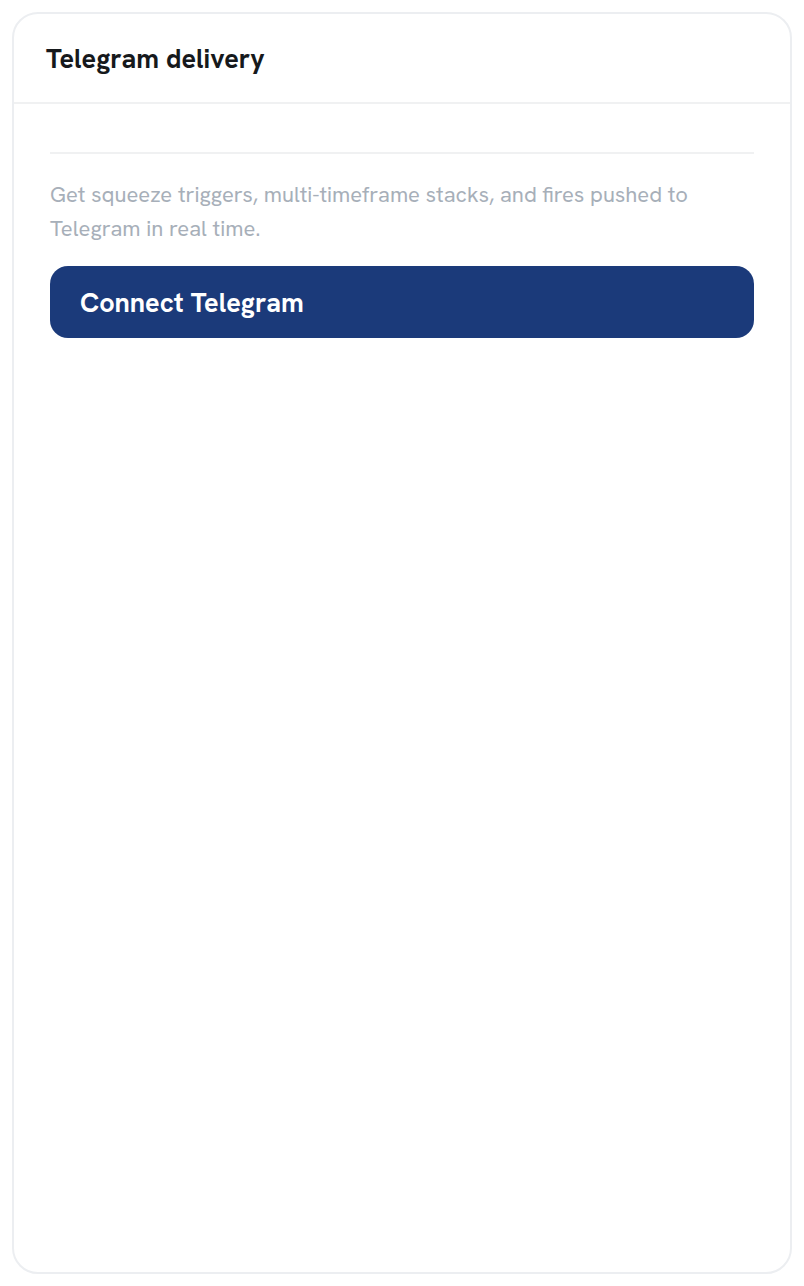
In Account, find the Telegram delivery card and click Connect Telegram. That links your Telegram account so alerts can be delivered there in real time. This is the channel every alert is sent through, so connect it first.
Step 2: Choose what alerts you
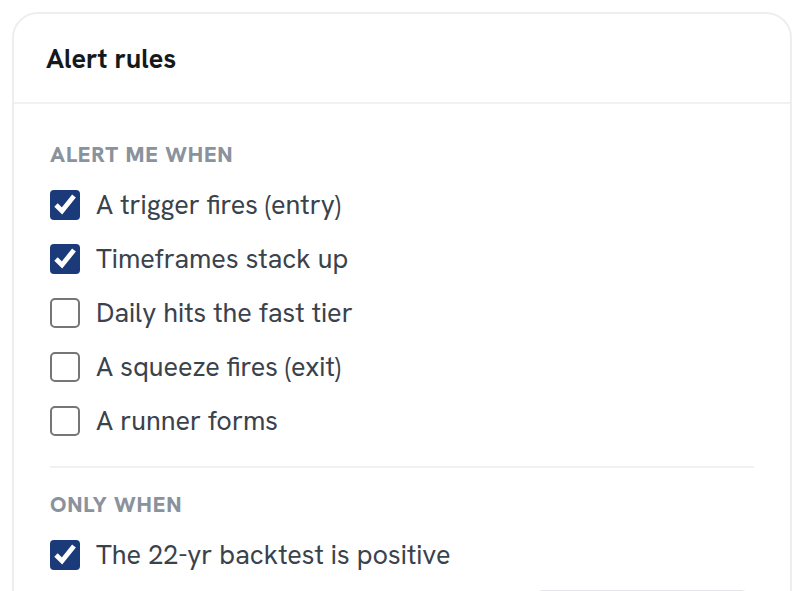
The Alert rules card has an Alert me when section. Check the events you want pushed. You can pick more than one.
| Alert | Fires when |
|---|---|
| A trigger fires (entry) | A Slingshot Squeeze or Squeeze Signal qualifies on a name. This is the entry event. |
| Timeframes stack up | Several timeframes enter a squeeze together, the multi-timeframe confluence read. |
| Daily hits the loose tier | A daily squeeze moves into the loose (black) tier. |
| A squeeze fires (exit) | A squeeze releases. This is the exit cue, not a fresh entry. |
| A runner forms | Price extends after a trigger with no 1-ATR pullback yet. |
Step 3: Filter to only the setups worth it
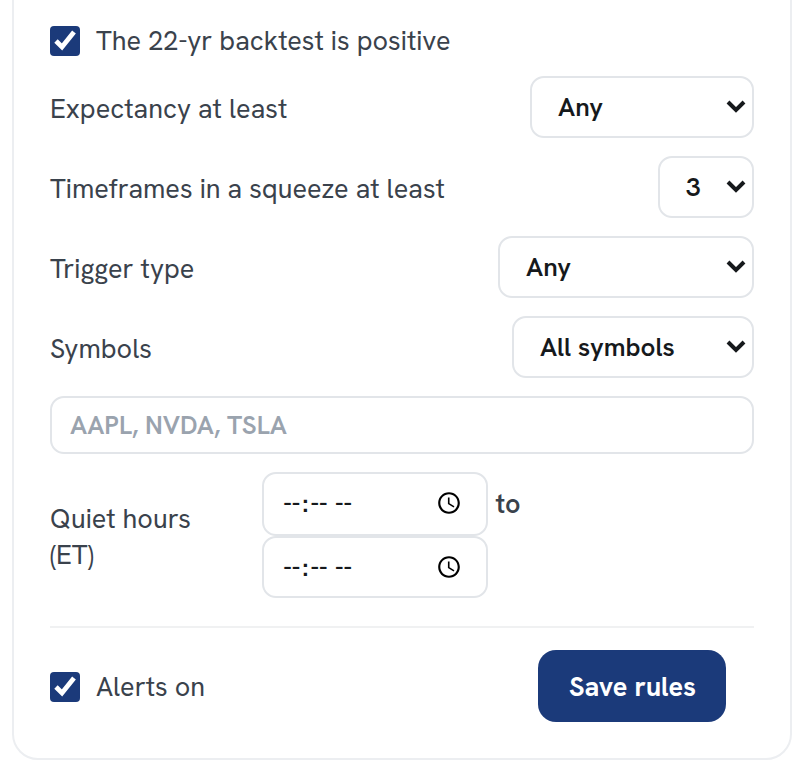
The Only when section below filters the alerts. It holds an alert back unless the setup also clears the quality bar you set, so you are only pinged on setups that match how you actually trade.
| Filter | What it does |
|---|---|
| The 22-yr backtest is positive | Only alert when that name’s historical record on the signal is positive. |
| Expectancy at least | Require a minimum average profit per trade in the backtest. |
| Timeframes in a squeeze at least | Require a minimum number of timeframes squeezing together. |
| Trigger type | Limit alerts to the Slingshot Squeeze, the Squeeze Signal, or any. |
| Symbols | Alert on all symbols, or list specific tickers to watch. |
| Quiet hours (ET) | A window where no alerts are sent, so you are not pinged off-hours. |
Step 4: Turn alerts on and save
Leave Alerts on checked and click Save rules. Your rules take effect immediately, and alerts that match start arriving in Telegram. You can come back and adjust the rules any time; the changes apply the next time a setup qualifies.
Tuning your alerts
- Getting too many? Raise Timeframes in a squeeze at least, set a higher Expectancy, or limit Trigger type to one signal.
- Getting too few? Loosen those same filters, or uncheck The 22-yr backtest is positive.
- Only care about your watchlist? Switch Symbols to specific tickers and list them.
Squeeze Setups is an educational research tool, not financial advice.
Related: How to read the Squeeze Board · The Squeeze Signal, explained · What is the Squeeze?